
Thanks for joining me!

For years I’ve had a classroom website, resource website, e-portfolios and e-dossiers, and a learning log/blog. I’m excited about bringing some of those artifacts together and incorporating them in my new beginning with a new website, and new blog for sharing about my learning experiences through my work as an instructional designer and as a doctoral student of educational technology.
Blog
Growth Mindset vs. Fixed Mindset

“With a growth mindset, individuals may achieve more than others because they are worrying less about seeming smart or talented and putting more of their energy into learning” (Dweck, 2016). (emphasis added)
What is a growth mindset? A fixed mindset?
“A growth mindset is “the understanding that abilities and understanding can be developed” (Mindset Works, n.d.). Those with a growth mindset believe that they can get smarter, more intelligent, and more talented through putting in time and effort” (Ackerman, 2019).
“On the flip side, a fixed mindset is one that assumes abilities and understanding are relatively fixed. Those with a fixed mindset may not believe that intelligence can be enhanced, or that you either “have it or you don’t” when it comes to abilities and talents” (Ackerman, 2019).
In her 2007 book, Mindset: The New Psychology of Success, Dr. Carol Dweck explains how our mindset can either propel us to achieve more or limit our progress. When students have a growth mindset, they don’t shy away from challenges. In fact, they seek out learning opportunities. As a result, they see more achievement. In her Ted Talk, Dweck speaks of the power of “yet” and “not yet.” When students know that a failure is a “not yet” it motivates them to get back to work. When they believe that hard work and perseverance can bring about achievement, if not this time, then possibly the next time, they’re less likely to give up. If they have more of a fixed mindset, when they struggle or experience failure, they may shut down, cheat, or find solace with others who are struggling (Dweck, 2014). This fixed mindset hinders their forward progress.
Dweck’s message isn’t new, but it’s an important one. In many K-12 schools, teachers are making a point of teaching students how to develop a growth mindset, and teachers and administrators are working to cultivate a school environment that encourages a growth mindset. Not just for K-12 students, cultivating a growth mindset is valuable for adult learners and organizations as well.
For more about developing a growth mindset or how to encourage that with your students, take a look at the resources below. Carol Dweck’s book, a link to her website, and her Ted Talk are linked below. There is also a blog post with takeaways from Carol Dweck’s book and a Ted Talk by Angela Duckworth on the topic of grit – which fits nicely with the topic of a growth mindset.
Mindset: The New Psychology of Success
The Impact of a Growth Mindset
Ted Talk: The Power of Believing You Can Improve
Single Point Rubrics

I came across a post from Cult of Pedagogy on Single Point Rubrics. The blogger, Jennifer Gonzalez, pointed out that single-point rubrics are more efficient and more effective for teachers and for students. Who doesn’t want to be more efficient and effective? Single-point rubrics can be created in less time and allow for better feedback. They are not so wordy, so they don’t take students as long to read, so perhaps they will be more inclined to do so (Gonzalez, 2015).
To differentiate between different types of rubrics, consider looking at an earlier blog post by Gonzales titled Know Your Terms: Holistic, Analytic, and Single-Point Rubrics. It spells out the differences between the types of rubrics and provides templates for each kind. As a user of primarily analytic rubrics, I’d like to give the single-point rubric a try. Two templates for single-point rubrics are available by clicking on the preceding link and scrolling to the bottom of the page.
If you’d like to read more about single-point rubrics, see this study by Jarene Fluckiger (2010). For a refresher on how to create, use, and grade with rubrics in Blackboard, check out my previous post titled Blackboard Rubrics: Efficient and Consistent.
Fluckiger, J. (2010). Single point rubric: A tool for responsible student self-assessment. Teacher Education Faculty Publications. Paper 5. http://digitalcommons.unomaha.edu/tedfacpub/5.
Gonzalez, J. (2014, May 1) Know your terms: Holistic, analytic, and single-point rubrics.[web log] Retrieved from https://www.cultofpedagogy.com/holistic-analytic-single-point-rubrics/
Gonzalez, J. (2015, February 4) Meet the single point rubric.[web log] Retrieved from https://www.cultofpedagogy.com/single-point-rubric/
Considering Open Educational Resources (OER)?

When we choose to use Open Educational Resources (OER) for course materials, we are giving students the opportunity to save lots of money and often make materials more accessible. You may have had students who chose not to purchase the book or who had to wait until they received financial aid to purchase books. Or, students may face delayed access to materials due to availability or shipping issues. Using OER provides access to materials to all students at the same time.
OER are educational resources that are in the public domain or have an open license and may include all types of educational materials. OER provides an opportunity to design a rich, made-to-order course that draws on a variety of authors, viewpoints, and materials.
OER are available in most disciplines. Search for OER resources such as those linked below to find resources for your courses. Many of them are very easy to use and may be linked in your LMS. If you don’t find what you are looking for, ask an instructional designer or your liaison at the library.
16 OER Sites Every Educator Should Know
Would you like to know more about OER? Here is a link to an interesting study.
Why Include Twitter in Your Personalized Learning Network (PLN)?

Signing up for a Twitter account is one of the best things I’ve done for my professional learning. You may be thinking, no way! Especially with the negative attention given to politics on Twitter. However, we just need to be careful who our friends are – or in this case who we choose to follow. Alec Couros, educational technology and media professor and researcher at the University of Regina, Canada, explains it well in the video linked below.
Using Twitter effectively for education – with Alec Couros
In 2010, as an assignment at Arkansas Leadership Academy, I set up my Twitter account and began following educational leaders. I was skeptical at first. Then gradually I started following more and more leaders in education and educational technology, and I began to see the value in using Twitter to connect with educational leaders around the world. Currently, I’m following 2,222 educators, administrators, and researchers. I’m not much of a tweeter myself unless I’m participating in a live Twitter chat. Mostly, I’m a liker and a lurker when I have a few free minutes. I use the “like” feature to sort of bookmark things I find useful or inspiring, and I usually don’t have to lurk for long to find something valuable. This tweet says it nicely.

Would you like to know more about Twitter for educators? Below are several articles on the topic.
Use of Twitter across educational settings: a review of the literature
If you are a Twitter user but haven’t tried Tweetdeck, consider trying it out. It’s great for following several hashtags at once and for participating in fast-moving live chats.
Reference:
d_mulder (2016, October 23). Teachers on Twitter are the best. Take 5 minutes to read and reflect; what will you learn from your colleagues today? Approach Twitter with a growth mindset, think of it as “I have five minutes…what can I learn today?” [Tweet]. Retrieved from https://twitter.com/d_mulder/status/790298591440936960
Tools for Collaborative Work
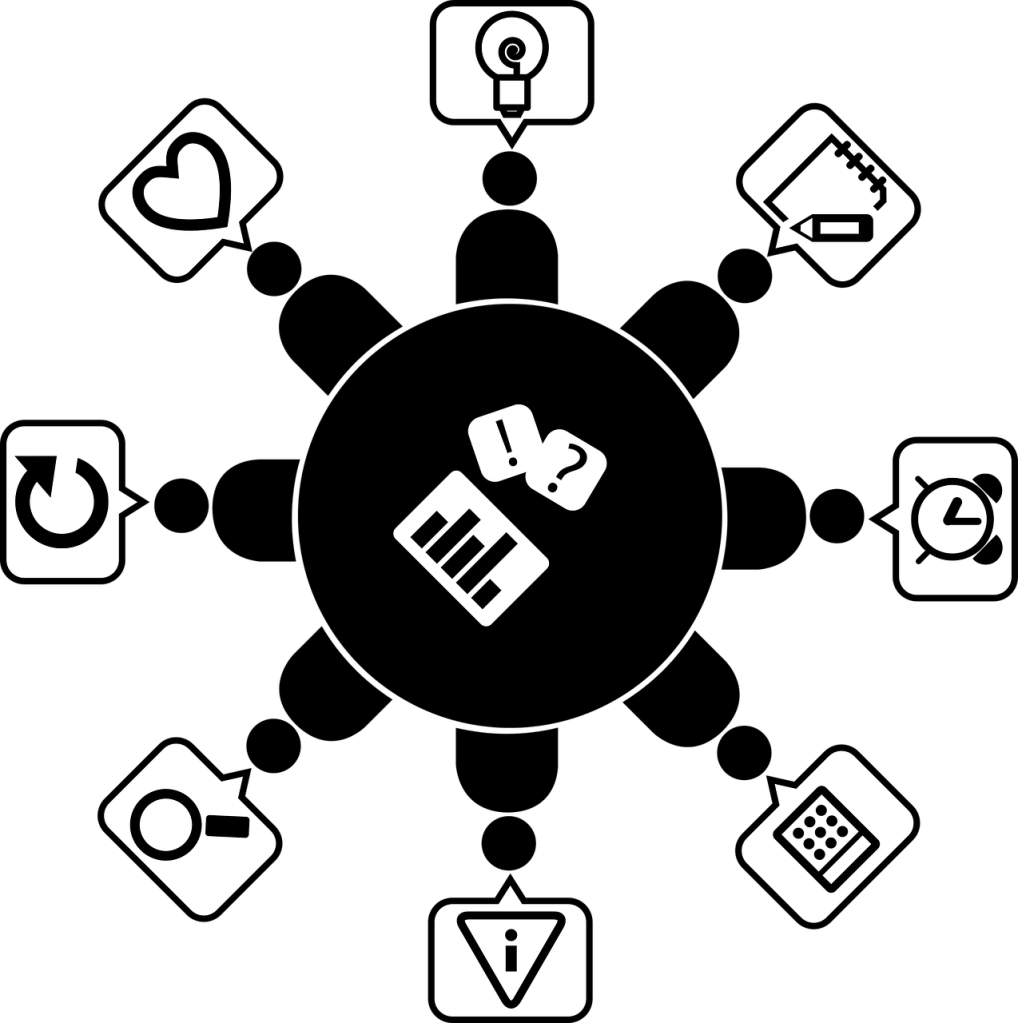
Whether our classes are online or face-to-face, our students can benefit from the use of collaborative tools. Collaborative tools may be used for peer editing, group projects, and class discussions. These tools are great for working synchronously during a class session or asynchronously according to the time each student has available. Using collaborative tools in coursework is good practice for future workplace collaboration. Many tools are easy to use, some require no account setup, and some tools may even be embedded in your Blackboard course. Below are just a few of the many collaborative tools available.
Canva – Canva is an easy-to-use graphic design website. Collaborate on professional-looking infographics, documents, presentations, comic strips, and marketing materials. There is a free version and a paid version, however much can be done with the free version.
Google Docs, Slides, Sheets, & Forms – Many students in K-12 schools use G-Suite tools, so a number of our current and future students are already accustomed to collaborating with these tools – some begin doing so in Kindergarten. The products are user-friendly, so new users can adapt quickly. Collaborators may work simultaneously and see changes in real-time. In Google Docs there is a chat feature, version history, and for peer review, a comments feature. A bonus – student work will be available to the students long after graduation. For collaboration, these need to be shared with the setting “anyone with the link may edit.”
Office 365 products may available to students for free. These documents also may be shared for collaboration. To embed in Blackboard, click File, Share, and Embed. Copy the embed code. Create an item in Blackboard and click on HTML, then paste in the embed code. Those with JBU accounts will be able to edit. Bonus – The ITS Help Desk provides support for these tools.
Padlet – Create attractive collaborative boards, documents, and web pages. Students may create them, collaborate, and share. Or the instructor may create them and embed them in Blackboard for everyone to contribute to. Text, photos, documents, web links, video, and music may be added to the boards. There is a free version and a paid version, however much can be done using the free version.
Zoom – Not only is Zoom for web-conferencing great for synchronous online class sessions or for hosting remote students and guest speakers for face-to-face classes, but Zoom is also great for small group collaboration. Consider using the break-out room feature during online or blended synchronous class sessions or you might use Zoom for small group meetings at the student’s convenience. Zoom allows for sharing documents, web pages, a whiteboard, and slides – perfect for collaborating. Class sessions, meetings, and group presentations may also be recorded, however, recordings are not available for break-out room activities.
These are just a few of the collaborative tools available. Many online applications now have the capability of adding collaborators.
 Catalyst