
Have you ever wanted to build your own website or perhaps assign students to build websites for sharing their learning? Whether you want to enhance your web presence, share resources, or assess your students, it’s easier than ever to build a website. No coding experience is needed! Many free web applications are available, and they make creating a website fun!
Over the past six years, I’ve created a number of websites using these very intuitive website creation applications. As a student, I’ve had assignments that required the creation of a learning log, an e-dossier, an online course, an e-portfolio, a website with a blog, and as an assessment to display my learning. In addition, I’ve made several websites for organizing and sharing audio and video resources. Here are a couple examples.
War and Life: Discussions with Veterans
Military Response to Jonestown
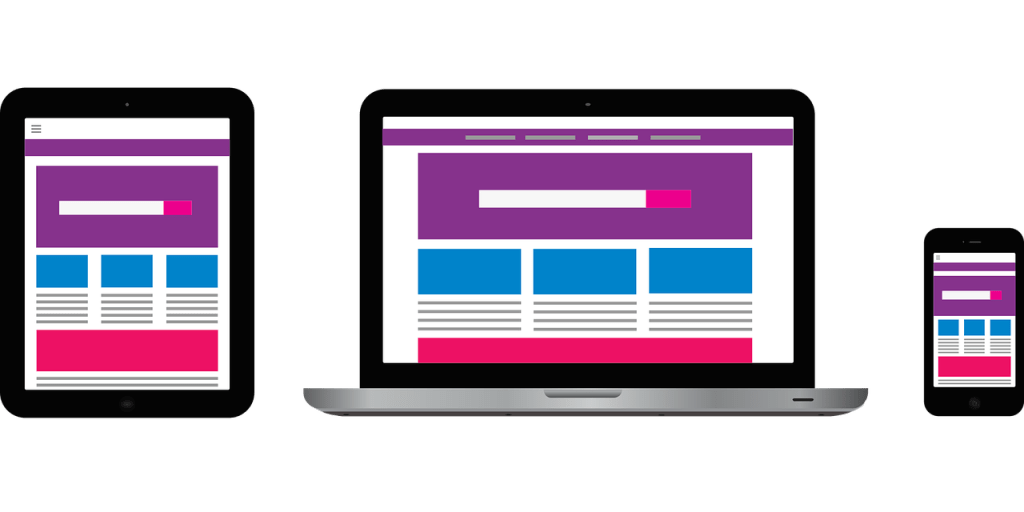
My personal favorite application for creating websites is Weebly*. It’s simple to use, and it has a large selection of customizable templates. Though WordPress is known for blogging, it’s great for websites as well. I also like Google Sites. There aren’t as many options there, but it is great for simple websites. Wix makes for some very nice-looking websites too, but it doesn’t seem to be quite as intuitive as the others in my opinion. And there are many others. The websites created with these applications are responsive, and so the views automatically adjust for various devices. Most of them also offer password protection in case you only want to share the site with specific people.

 Catalyst